
Fix "Could Not Find Expected Browser (Chrome) Locally" in Puppeteer
Puppeteer cannot find Chrome? Fix the "could not find expected browser locally" error in Docker, CI/CD, serverless, monorepos, and local development.
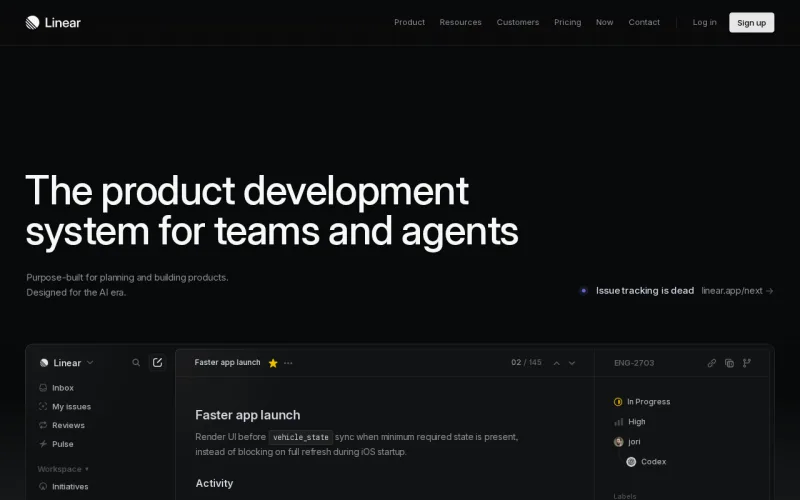
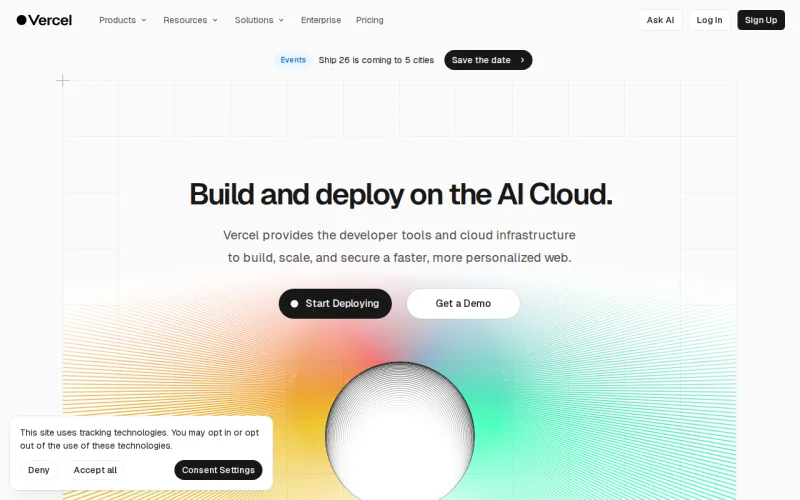
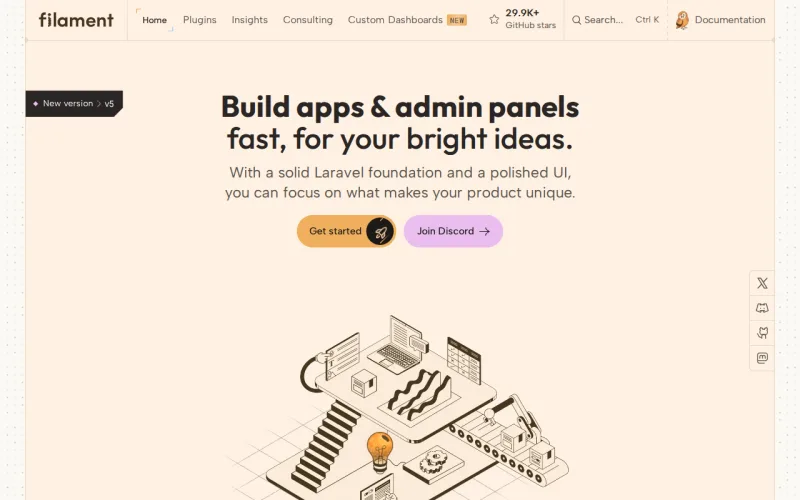
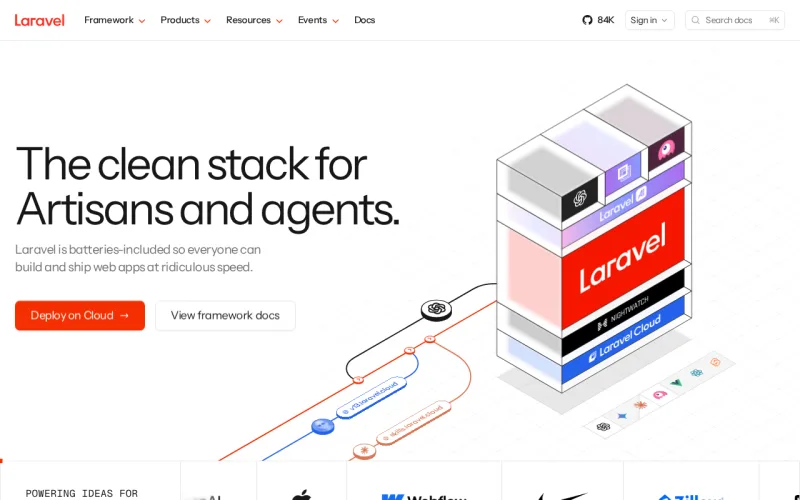
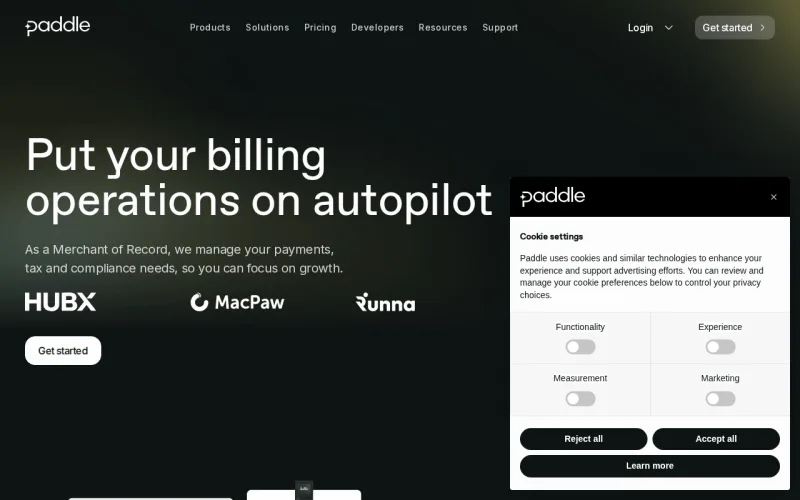
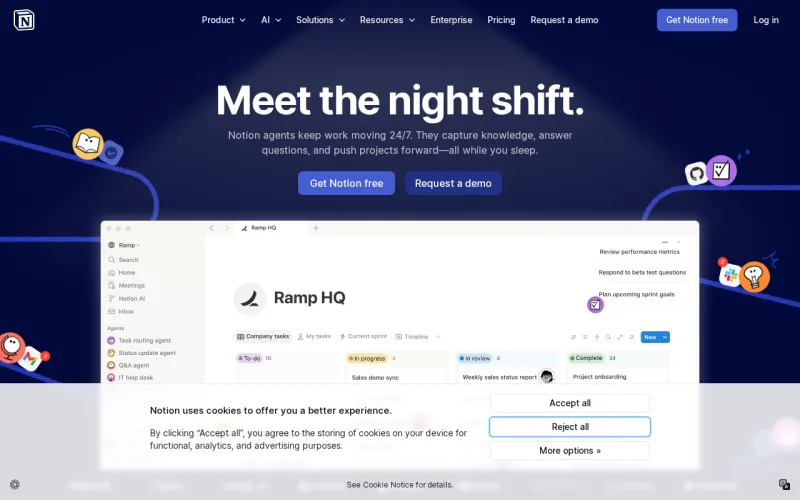
Capture any website in seconds. No browser management, no infrastructure headaches. Just a simple API call.
Try it free — no signup required. captures left.
Explore the features below, then try them live — toggle any parameter, enter a URL, and hit Run.
Renders at 2× device pixel ratio for crystal-clear HiDPI output.
retina
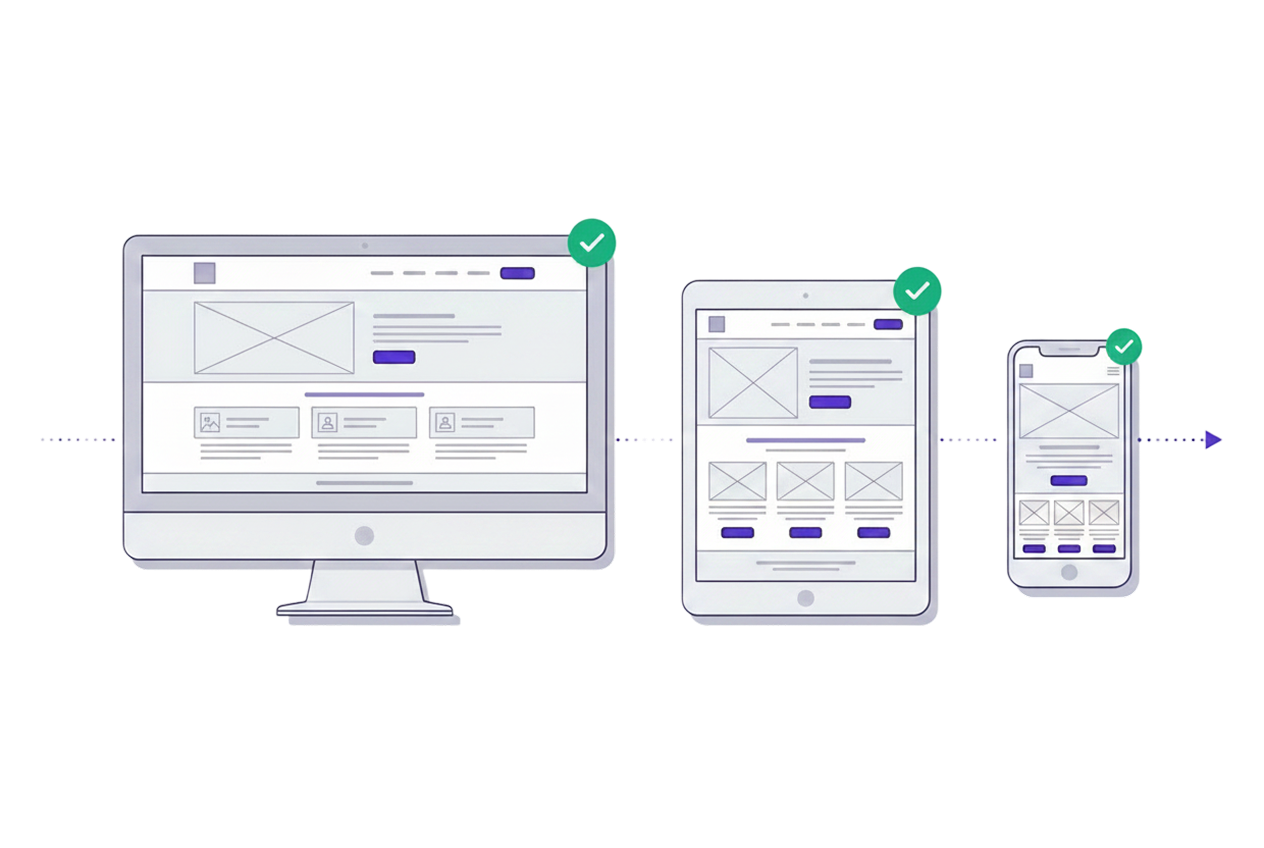
Desktop (1280px), tablet (768px), mobile (375px) with proper user-agent.
device
We scroll and trigger lazy loaded images, scripts and other resources for a perfect screenshot.
full_page
Clean screenshots without banners, pop-ups, or analytics pixels.
block_ads
Emulates prefers-color-scheme: dark for websites that support it.
dark_mode
Cookie banners, newsletter popups, sticky headers — hide anything.
hide_selectors
PNG for lossless quality, WebP for smaller files, JPEG for compatibility.
format
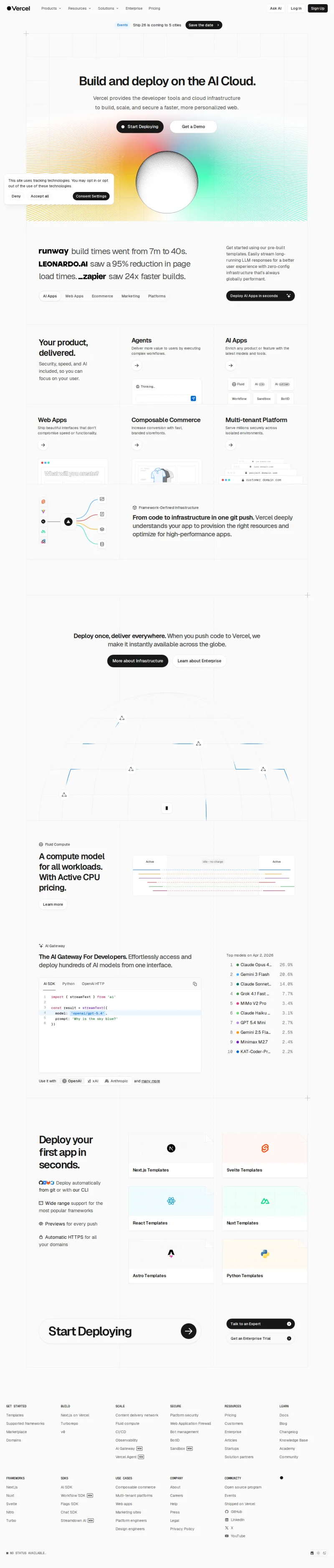
https://api.screenshotrun.com/v1/screenshots/capture?url=https://stripe.com
This is a real API call. The same endpoint powers your production integration.
From marketing to monitoring — see how teams use ScreenshotRun.
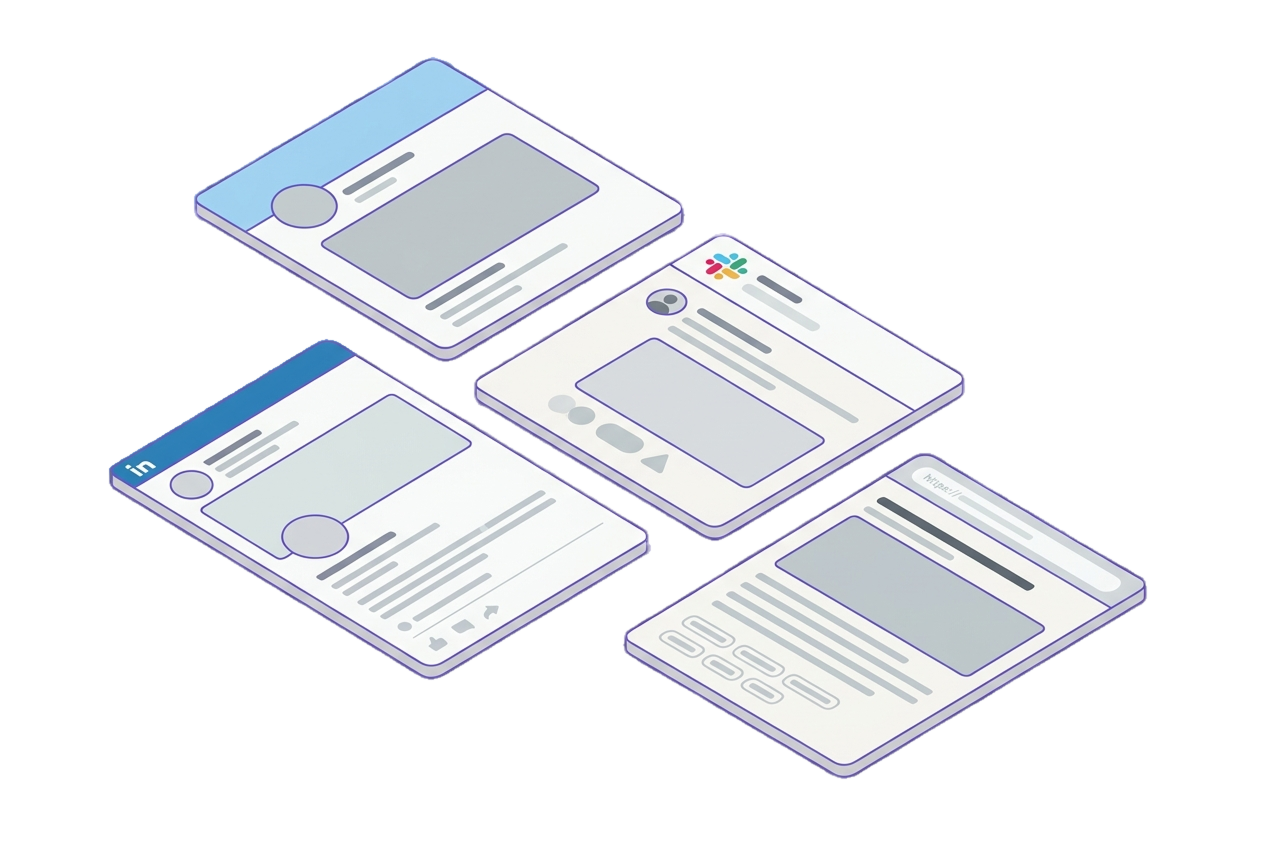
Auto-generate Open Graph images for blog posts, landing pages, and social sharing. One API call per URL, no design tools needed.
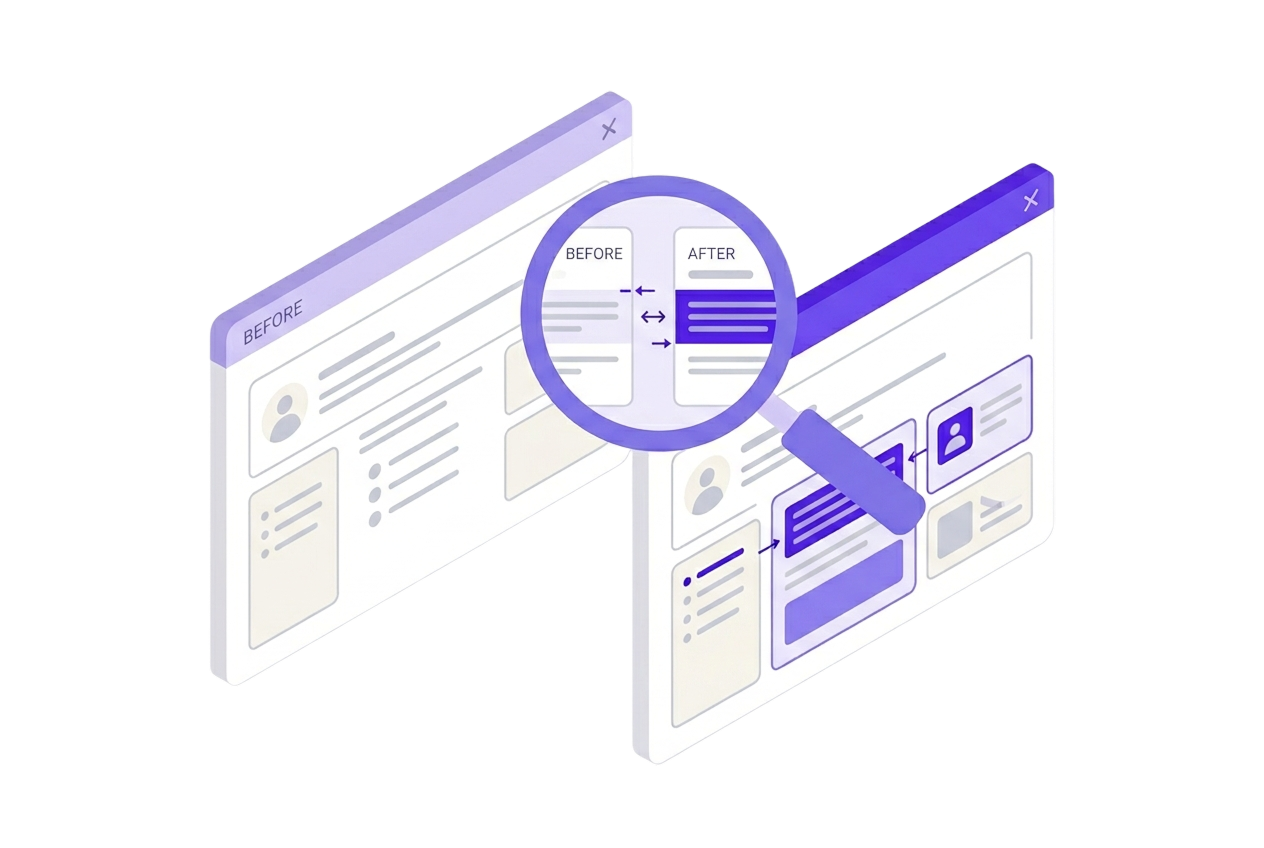
Capture scheduled snapshots of your pages and feed them into your diff pipeline. Ideal for catching layout regressions before users do.
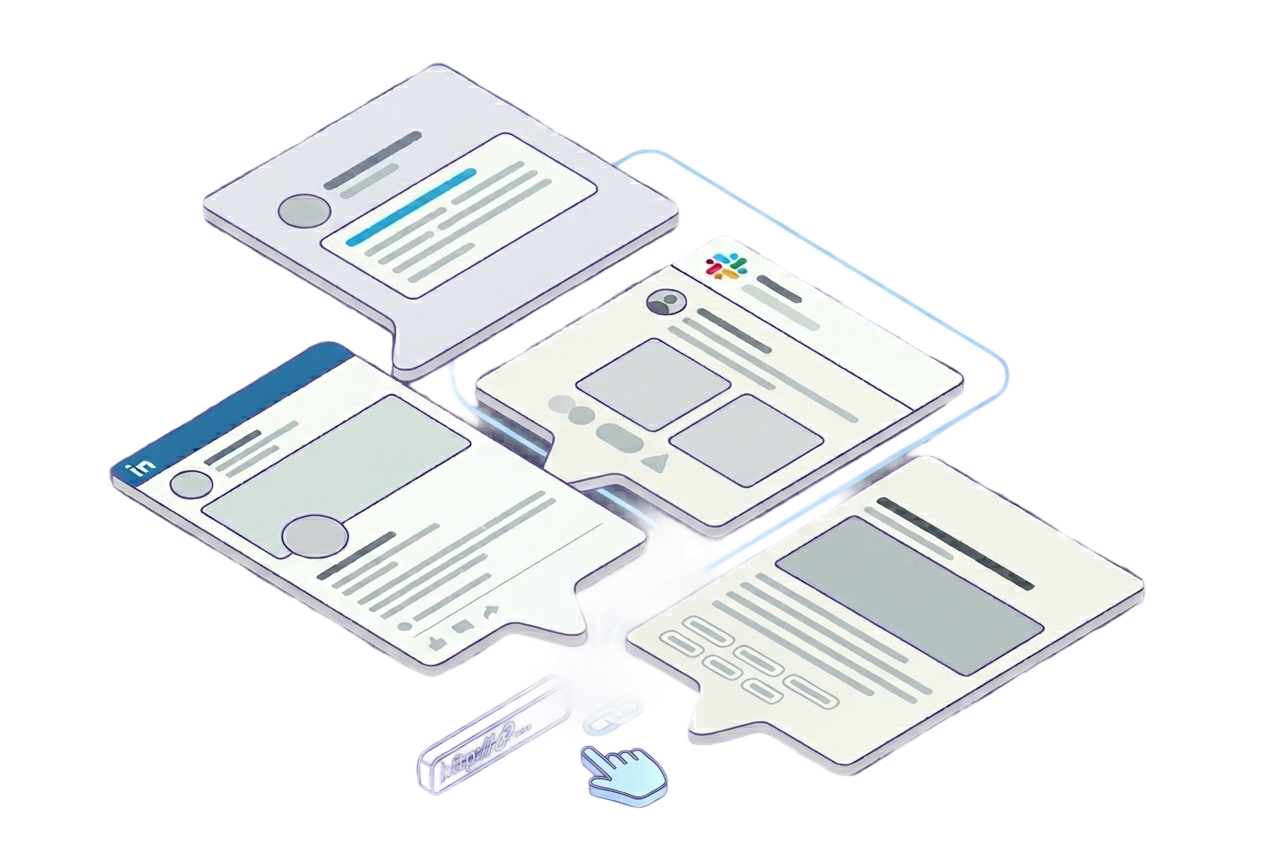
Generate real website thumbnails for Slack, Discord, or any messaging platform.
Screenshot every page across devices as part of your CI/CD pipeline.
Capture competitor pages on your schedule. Track design changes, pricing updates, and feature launches.
Works with any programming language. Here's a quick example.
Start free, scale as you grow. No hidden fees.
Get started with full screenshot capabilities.
For small projects that need production-ready screenshots.
For growing businesses that need advanced customization.
For scaling products with high-volume needs.
Maximum power for high-volume applications.
Tutorials, real-world examples, and tips from the trenches.
Puppeteer cannot find Chrome? Fix the "could not find expected browser locally" error in Docker, CI/CD, serverless, monorepos, and local development.
Instagram shows two login popups, triggers React re-renders when you hide them wrong, and locks scrollHeight to the viewport. Three problems, three fixes for Playwright and Puppeteer.
Every cause of Puppeteer browser launch failures with tested fixes for each environment.
ScreenshotRun is a cloud-based service that lets you capture pixel-perfect screenshots of any website via a simple REST API. You send a request with the target URL and desired parameters (viewport size, format, full-page mode, etc.), and our servers render the page using an optimized Chromium engine and return the resulting image. The entire process typically takes under 5 seconds.
Yes! We offer a free plan that includes 300 screenshots per month — no credit card required. Simply create an account, grab your API key, and start capturing screenshots right away. If you need higher volume, you can upgrade to a paid plan at any time.
All plans support PNG, JPEG, and WebP image formats. PDF export is available on Starter plans and above. You can also customize viewport dimensions, enable retina (2x) resolution, choose between viewport-only or full-page scrolling capture, and emulate mobile, tablet, or desktop devices.
Yes. Cookie consent banner blocking is available on all plans, including Free. Ad and tracker blocking is available on Starter plans and above. Both options can be toggled on or off for each individual API request, giving you full control over the output.
Integration is straightforward — just make a single HTTP GET or POST request to our API endpoint with your API key and the target URL. We provide ready-to-use code examples for cURL, PHP, Python, JavaScript, Ruby, and Go. Check out our [documentation](/docs) for detailed guides and parameter references.
We maintain 99.9% uptime backed by a robust cloud infrastructure with automatic scaling. Our rendering servers are distributed across multiple regions to ensure fast and reliable screenshot delivery. Paid plans include priority processing for even faster response times.
Yes. You can pass custom HTTP headers (such as cookies or authorization tokens) with your API request. This allows you to capture screenshots of password-protected pages, admin dashboards, or any content behind a login wall.
We send a notification when you reach 80% of your monthly quota. Once the limit is reached, API requests will return an error response until the next billing cycle begins or until you upgrade your plan. Your existing screenshots and API key remain fully accessible.