
 Vitalii Holben
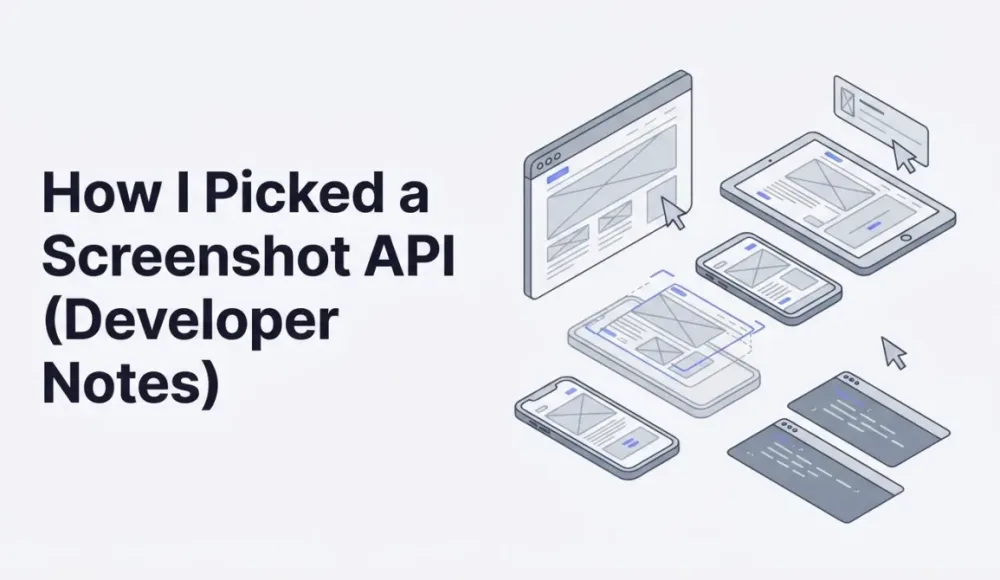
How I Picked a Screenshot API (Developer Notes)
Not all screenshot APIs are built the same. We compared the most popular options on the market — pricing, webhooks, rendering engines, free tiers, and real cost per screenshot — so you can pick the one that actually fits your project without overpaying for features you don't need.
I spent weeks evaluating screenshot APIs before deciding to build my own. These are the notes I kept during that process. It's not a feature matrix, just observations from actually using each service.
If you want the full comparison with pricing tables, feature breakdowns, and rankings, I wrote a detailed screenshot API comparison that covers eight providers side by side. This post is the informal version.
What I was looking for
My project needed screenshots of other people's websites, not my own pages, not controlled environments. That ruled out anything that struggled with cookie banners, lazy loading, or JavaScript-heavy SPAs. I also needed PDF export, which eliminated some options immediately.
What I tried
ScreenshotOne impressed me with documentation quality. Seven SDKs, clear examples, a responsive founder. The rendering was solid. The price was the sticking point. $79/month for 10,000 screenshots wasn't what I wanted to spend at the prototyping stage, and the free tier (100/month) ran out during initial testing.
ApiFlash was fast. Sub-second responses on simple pages. But no webhooks, no PDF, and SPA rendering was inconsistent. Great for quick URL-to-PNG jobs, less so for anything complex.
I ended up building screenshotrun because I wanted webhook support, PDF export, and reliable SPA rendering at a price point that made sense for indie projects. The free tier comparison page shows where each service lands on volume and features.
What actually matters when choosing
After going through the process, three things mattered more than the feature list: rendering quality on real-world pages (not demo URLs), how the free tier holds up during integration testing, and whether async processing (webhooks) is supported. Everything else is secondary.
For the full breakdown with tables and pricing math, see the best screenshot API comparison. For head-to-head details, see screenshotrun vs ScreenshotOne and screenshotrun vs ApiFlash.
Frequently Asked Questions
Based on our comparison of features, pricing, and reliability, ScreenshotRun offers the best balance for most developers. It includes 200 free screenshots per month, CSS selector targeting, full-page capture, and webhook callbacks starting at $9/month for 3,000 screenshots.
Pricing varies by provider. ApiFlash starts at $7/month for 100 screenshots. ScreenshotOne starts at $9/month for 1,500. ScreenshotRun starts at $9/month for 3,000 screenshots with a free tier of 200 screenshots per month — no credit card required.
ScreenshotRun offers 200 free screenshots per month with no credit card required and no feature restrictions. ScreenshotOne offers 100 free monthly, and ApiFlash offers a limited free trial.
Not all of them. ScreenshotRun and ScreenshotOne support async webhook callbacks for notifying your server when a screenshot is ready. ApiFlash only supports synchronous requests, which means your server waits for the screenshot to complete.
Most screenshot APIs use headless Chromium (the engine behind Google Chrome). ScreenshotRun uses Playwright with Chromium for accurate rendering. ScreenshotOne also uses Chromium. ApiFlash runs on AWS Lambda with a lighter-weight browser, which can cause rendering differences on complex pages.
Fix "Could Not Find Expected Browser (Chrome) Locally" in Puppeteer
Puppeteer cannot find Chrome? Fix the "could not find expected browser locally" error in Docker, CI/CD, serverless, monorepos, and local development.
Read more →
Fix Puppeteer "Browser Has Disconnected" Error (All Causes)
Read more →
Why Instagram Breaks Your Screenshots (And How to Fix It with Playwright)
Instagram shows two login popups, triggers React re-renders when you hide them wrong, and locks scrollHeight to the viewport. Three problems, three fixes for Playwright and Puppeteer.
Read more →