
Blog
Latest news, tutorials, and updates from our team.
Puppeteer "Protocol error (Page.captureScreenshot): Target closed": causes and fixes
Puppeteer's "Protocol error (Page.captureScreenshot): Target closed" almost always means Chromium crashed during the actual rendering — not before, not after. Here are the five real causes and how to fix each.
Read more →
Playwright "Target page, context or browser has been closed": causes and fixes
Playwright's "Target page, context or browser has been closed" almost always comes from a lifecycle bug, not a Playwright bug. Here are the five real causes — from premature browser.close to Chromium crashes — and how to fix each.
Read more →
Puppeteer "Navigation timeout of 30000 ms exceeded": causes and fixes
Puppeteer's "Navigation timeout of 30000 ms exceeded" rarely comes from a slow page. It comes from a waitUntil condition that never gets satisfied. Here are the five real causes and how to fix each.
Read more →
Wait for page to fully load before screenshot: 4 strategies
I took a screenshot of a public dashboard and got back an image with empty tables. Here are four strategies to wait for a page to fully load, with a real Puppeteer walkthrough.
Read more →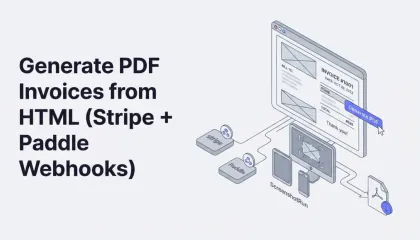
Generate PDF Invoices from HTML (Stripe + Paddle Webhooks)
Most SaaS apps eventually need to generate invoices programmatically, and most start with a PDF library that fights them on layout. Here's a simpler approach: build your invoice as plain HTML and CSS, then render it to PDF or PNG through Playwright or a screenshot API. Full template, code examples in Node.js, webhook automation with Stripe/Paddle, and tips on fonts, multi-currency formatting, and page breaks.
Read more →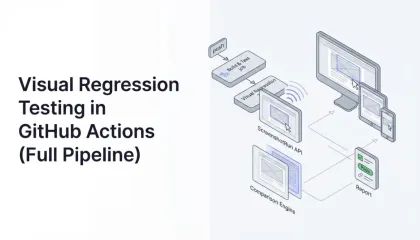
How to Build Visual Regression Testing in GitHub Actions (Full Pipeline)
Visual regression testing catches the UI bugs that unit tests and functional tests miss entirely — broken layouts, shifted buttons, wrong colors. Here's how to build a screenshot-based visual testing pipeline that runs on every pull request, with real code and practical advice on dealing with flaky tests.
Read more →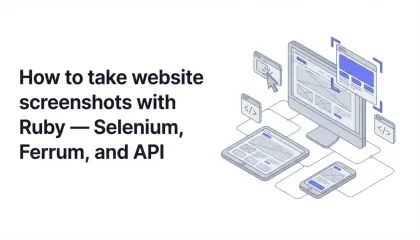
How to Take Website Screenshots with Ruby — Selenium and Ferrum Guide
Ruby doesn't ship with a browser rendering engine, so taking website screenshots requires an external tool. This article covers three approaches — Selenium WebDriver with headless Chrome, Ferrum via DevTools Protocol, and the Screenshotrun API — with working code and a production comparison.
Read more →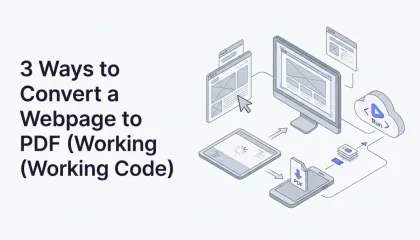
3 Ways to Convert a Webpage to PDF (Working Code)
Generating PDFs from live web pages sounds simple until you try it. Here's how to do it with Playwright, Puppeteer, and a screenshot API, with code examples, formatting options, and the gotchas I ran into.
Read more →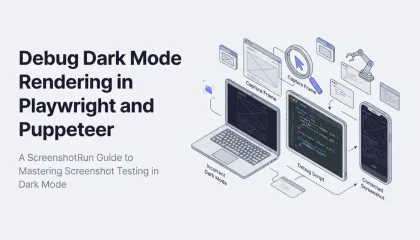
Debug Dark Mode Rendering in Playwright and Puppeteer
Most websites now support dark mode through prefers-color-scheme. Here's how to capture screenshots in dark mode using Playwright, Puppeteer, and a screenshot API — with code examples and edge cases I ran into along the way.
Read more →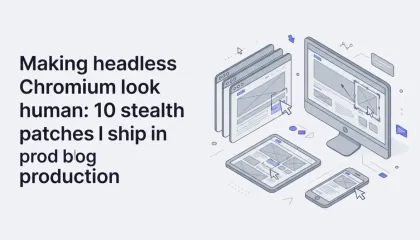
Making headless Chromium look human: 10 stealth patches I ship in production
About a third of the sites I tried to screenshot returned a Cloudflare challenge page. Here are the ten stealth patches I now ship inside screenshotrun to make headless Chromium look like a regular browser, with the actual code and honest notes on what still doesn't work.
Read more →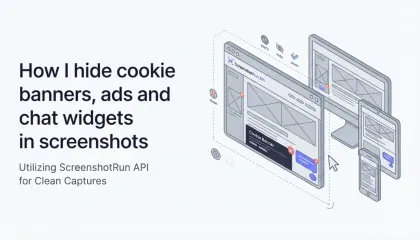
How I hide cookie banners, ads and chat widgets in screenshots
Last month a cookie banner ate 40% of my screenshot. Here's the three-layer approach I built to block cookie dialogs, chat widgets and ads before capturing the image — with the actual Playwright code from screenshotrun's renderer.
Read more →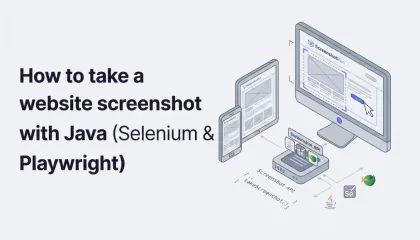
How to take a website screenshot with Java (Selenium & Playwright)
I kept putting off the Java tutorial because I expected mountains of boilerplate. Turns out Java's built-in HttpClient makes API calls almost as clean as Python's requests. Here are three ways to capture website screenshots with Java — Selenium, Playwright, and an API — with working code, honest comparison, and a Spring Boot integration example.
Read more →